
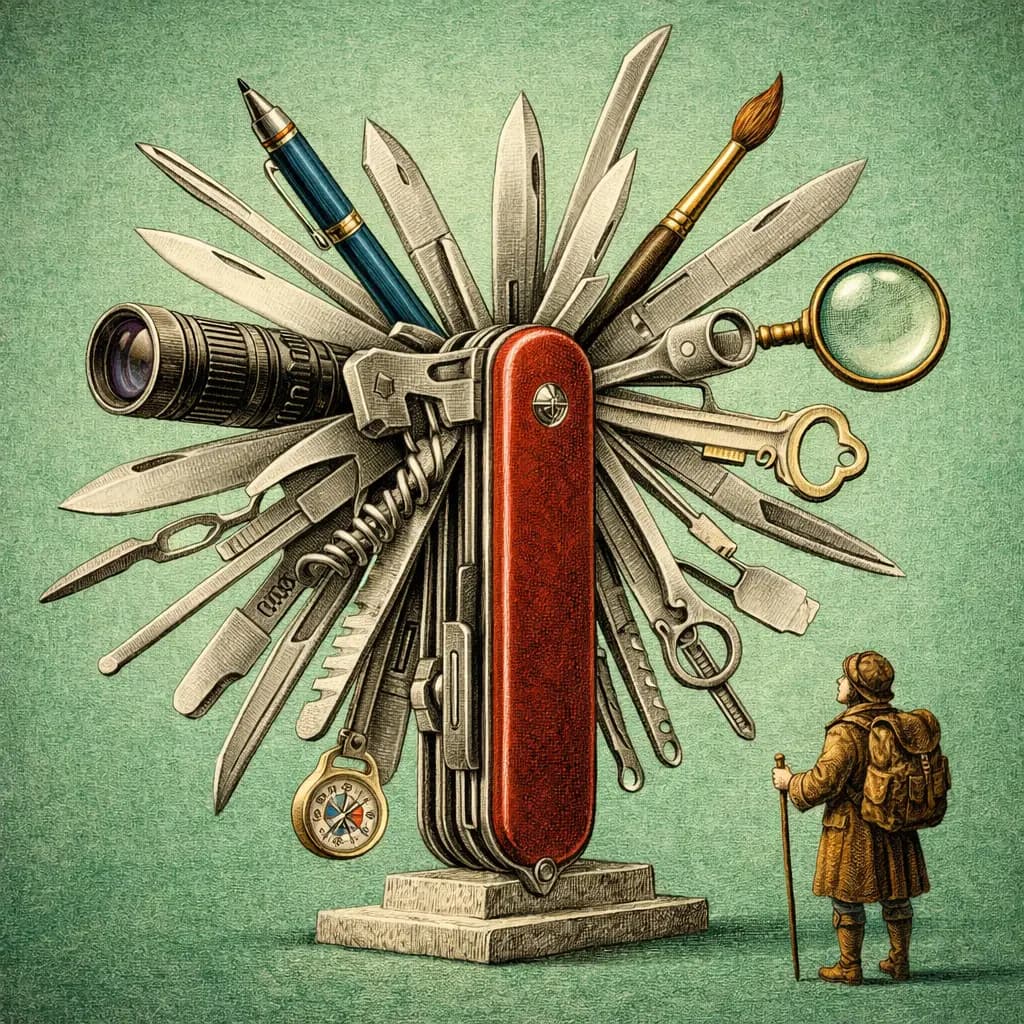
ChatGPT is the AI tool most professionals think of first. It has the largest user base, the broadest feature set, and an ecosystem of over one million Custom GPTs built by individuals and organisations around the world. When Bain deployed 19,000 custom GPTs internally, it was not a technology experiment. It was an operational decision about how knowledge workers should spend their time.
That scale matters. But scale and depth are not the same thing. ChatGPT is the most versatile AI assistant available in March 2026. It generates images, automates browser tasks, produces video, and connects to external data through MCP. The question for professionals is not whether ChatGPT can do something. It almost certainly can. The question is whether it does the thing you need with enough rigour to trust the output when it matters.
This review looks at ChatGPT through the lens of professional context management: how it stores what it knows about you, how it applies that knowledge across sessions, where it leads the field, and where it makes trade-offs that professionals should understand before committing.
- ChatGPT's ecosystem is unmatched: over 1M Custom GPTs, full multimodal capabilities, and browser automation through ChatGPT Agent
- MCP support is now available across all plans, closing a major integration gap
- The 128K token context window is a hard ceiling that limits complex document analysis compared to Claude's 1M
- Context portability is zero. Your memory, Custom GPTs, and conversation history are locked inside OpenAI's platform
- For professionals who need one tool that handles everything, ChatGPT remains the strongest all-in-one option
How ChatGPT handles context
ChatGPT uses a layered approach to context that has improved significantly over the past year. Custom Instructions give you two fields of 1,500 characters each: one for telling ChatGPT about yourself and your preferences, one for specifying how you want it to respond. These persist across every conversation. They are simple, but they work. A consultant who sets their Custom Instructions to include their industry, communication style, and formatting preferences will notice an immediate improvement in output relevance.
Memory is the second layer. ChatGPT actively learns from your conversations, capturing preferences, facts about your work, and recurring patterns. Over time, it builds a profile that informs future responses without you having to repeat yourself. This is genuinely useful for professionals who use ChatGPT daily. The model remembers that you prefer British English, that your reports go to a board audience, that you work in financial services. The limitation is transparency: you can view and delete individual memories, but you cannot structure them or prioritise which memories matter most.
Custom GPTs are where ChatGPT's context system becomes genuinely powerful at an organisational level. A Custom GPT is a named AI persona with its own system instructions, uploaded knowledge files, and API actions. Bain's deployment of 19,000 internal GPTs demonstrates the model at scale: each GPT encodes domain-specific context, workflows, and institutional knowledge. The GPT Store now holds over one million published GPTs, covering everything from legal research to financial modelling. MCP support, which rolled out across all plans through ChatGPT connectors, adds another dimension: GPTs can now call external data sources in real time, pulling from tools like Notion, Linear, and custom databases.
- ChatGPT and context engineering
Context engineering with ChatGPT means structuring your Custom Instructions, Memory entries, and Custom GPTs so that the model consistently produces output aligned with your professional standards. The building blocks are there. The challenge is that context remains siloed within OpenAI's platform, with no export path.
What ChatGPT gets right
Ecosystem breadth is ChatGPT's defining advantage. No other AI assistant comes close to the volume and variety of pre-built solutions available on the platform. If you need a GPT that specialises in SEC filings, there are several. If you need one that drafts emails in the style of a specific industry, someone has built it. This is not just convenience. It is a compounding advantage: the more GPTs that exist, the more likely it is that someone has already solved a problem adjacent to yours.
Multimodal capabilities are fully integrated. ChatGPT generates images with DALL-E 4, creates video with Sora 2, handles voice conversations, executes code, and analyses uploaded documents and images. For professionals whose work spans multiple content types, this eliminates the need to switch between specialised tools. A marketing director can draft copy, generate accompanying visuals, and create a presentation outline in a single conversation. That workflow simply is not possible on Claude or Gemini today.
ChatGPT Agent, the evolution of what was originally called Operator, is a genuine differentiator for professionals who deal with repetitive browser-based tasks. It can book travel, fill out forms, conduct web research, and navigate multi-step online processes autonomously. The implementation uses visual understanding and controlled interaction with web interfaces. For knowledge workers who spend hours each week on administrative tasks that require a browser but not deep thinking, Agent represents a meaningful time saving. It is available on Team, Pro, and Enterprise tiers.
Where ChatGPT falls short
The most significant limitation for professionals is context portability, or rather, the complete absence of it. Your Custom Instructions, Memory entries, Custom GPTs, and conversation history exist exclusively within OpenAI's platform. If you decide to switch to Claude, Gemini, or any other tool, none of that context comes with you. For an individual user, this is an inconvenience. For an organisation that has invested in building dozens or hundreds of Custom GPTs, it is a genuine lock-in risk. There is no export function, no API for extracting your accumulated context, and no interoperability standard that OpenAI has committed to supporting.
Reasoning quality on complex analytical tasks trails Claude. This is not a controversial claim among practitioners. When you load a 40-page contract and ask for a detailed analysis of risk allocation across party obligations, Claude produces more structured, more nuanced output. ChatGPT tends toward confident summaries that occasionally miss the second-order implications. For routine tasks, this difference is negligible. For high-stakes analysis, legal review, or strategic decision-making, it is the kind of gap that matters.
The 128K token context window is another hard constraint. Claude offers 1M tokens, which means you can load roughly eight times more material into a single session. For professionals who work with long documents, regulatory filings, research corpora, or multi-party correspondence, that difference determines whether you can work with your full source material or have to split it across multiple sessions. ChatGPT's output quality can also vary in ways that require vigilance. It occasionally produces shallow, agreeable summaries rather than the critical analysis a professional needs. The model's tendency to be helpful rather than rigorous is a design choice that shows up most clearly in advisory and analytical use cases.
Feature analysis
| Feature | ChatGPT |
|---|---|
| Context Persistence | Full support |
| Context Portability | Not supported |
| MCP Support | Full support |
| Cross-Platform Compatibility | Partial support |
| Data Sovereignty | Not supported |
| Knowledge Management | Partial support |
| Enterprise Readiness | Full support |
| Agentic Capabilities | Full support |
| Domain Specialisation | Not supported |
Our take
ChatGPT is the most broadly capable AI assistant available to professionals. Image generation, browser automation, voice, video, and the largest ecosystem of custom solutions make it the default choice for professionals who need one tool that handles everything. Bain's 19,000 internal Custom GPTs illustrate what institutional adoption looks like at scale. The trade-off is clear: breadth comes at the cost of depth. Reasoning quality trails Claude on complex analytical work, the 128K context window limits how much material you can process in a single session, and zero portability means your accumulated context is locked inside OpenAI. For professionals who value versatility and ecosystem access over raw analytical power, ChatGPT earns a strong recommendation.
Who ChatGPT is for
ChatGPT is the right choice for professionals who need range. If your week involves drafting emails, generating presentation visuals, automating browser tasks, building quick internal tools, and analysing the occasional document, ChatGPT handles all of that without switching applications. Marketing teams, operations leads, generalist consultants, and professionals who work across multiple content types will get the most value from the platform's breadth.
It is less suited to professionals whose primary work requires sustained deep analysis on long, complex documents. If you spend most of your time reviewing contracts, synthesising research across dozens of sources, or writing memos that will be scrutinised at board level, Claude's reasoning quality and 1M token context window offer a meaningful advantage. The practical question is not which tool is better in the abstract. It is which tool matches the shape of your actual work. For many professionals, the answer may be both: ChatGPT for breadth and daily versatility, Claude for the tasks where depth and precision are non-negotiable.